Short videos with products attached, so shoppers can buy what they see.
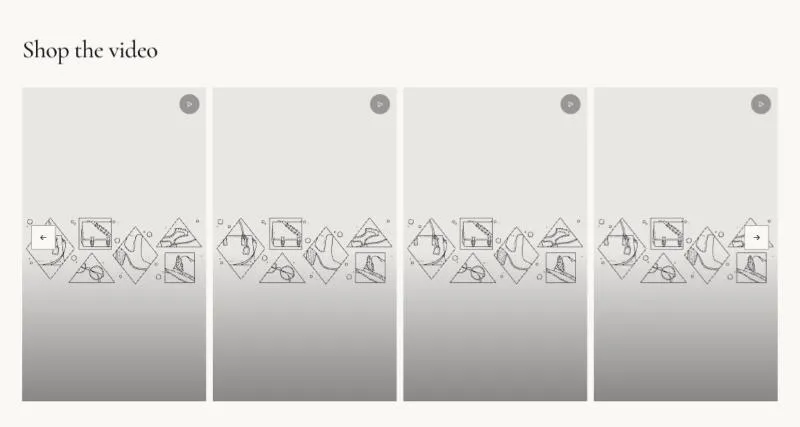
To add it, select Add section in the theme editor and choose Shoppable videos.
| Setting |
Details |
| Show product on video |
Default: on. |
| Columns on desktop |
3–5, default 4. |
| Setting |
Details |
| Show arrows |
Default: on. |
| Arrow style |
Options: Outline (default), Solid, Minimal. |
| Show dots |
Default: off. |
| Dots style |
Options: Line (default), Dot, Number and bar. |
| Setting |
Details |
| Section width |
Options: Page (default), Full width. |
| Padding top |
0–200px, default 100px. |
| Padding bottom |
0–200px, default 100px. |
| Padding top mobile |
0–120px, default 56px. |
| Padding bottom mobile |
0–120px, default 56px. |
| Setting |
Details |
| Color scheme |
|
| Background |
Options: None (default), Image, Video. |
| Image |
Also used as the video poster and fallback. Tablet spacing is the average of desktop and mobile. |
| Video |
|
| Overlay opacity |
Tints the image or video with the color scheme background, so the text stays readable. 0–90%, default 0%. |
| Setting |
Details |
| Video |
Vertical 9:16 video. Plays muted while on screen; sound in the pop-up. |
| Poster image |
Shown while the video loads, and when visitors prefer reduced motion. Defaults to the video preview image. |
| Product |
|
This section also uses these shared blocks: Section heading.
