
Collage
A group of image tiles with one tile larger than the others.
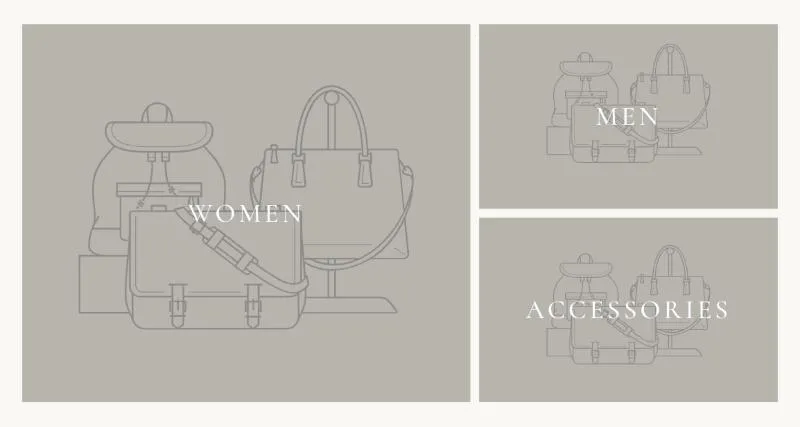
To add it, select Add section in the theme editor and choose Collage.
Section settings
Section titled “Section settings”| Setting | Details |
|---|---|
| Layout | Options: Large left (default), Large right, Equal. |
| Height | Height of the collage on desktop. 400–1000px, default 680px. |
| Text position | Options: Center (default), Bottom left. |
| Overlay opacity | 0–80%, default 20%. |
| Parallax on scroll | Follows Theme settings → Animations and is off with reduced motion. Default: on. |
Layout
Section titled “Layout”| Setting | Details |
|---|---|
| Section width | Options: Page (default), Full width. |
| Padding top | 0–200px, default 80px. |
| Padding bottom | 0–200px, default 80px. |
| Padding top mobile | 0–120px, default 48px. |
| Padding bottom mobile | 0–120px, default 48px. |
Background
Section titled “Background”| Setting | Details |
|---|---|
| Color scheme | |
| Background | Options: None (default), Image, Video. |
| Image | Also used as the video poster and fallback. Tablet spacing is the average of desktop and mobile. |
| Video | |
| Overlay opacity | Tints the image or video with the color scheme background, so the text stays readable. 0–90%, default 0%. |
Blocks
Section titled “Blocks”| Setting | Details |
|---|---|
| Collection | Fills in the image, title and link. Fields below override it. |
| Image | |
| Title | |
| Link |
This section also uses these shared blocks: Section heading.