
Password page
The page visitors see while your store is password protected.
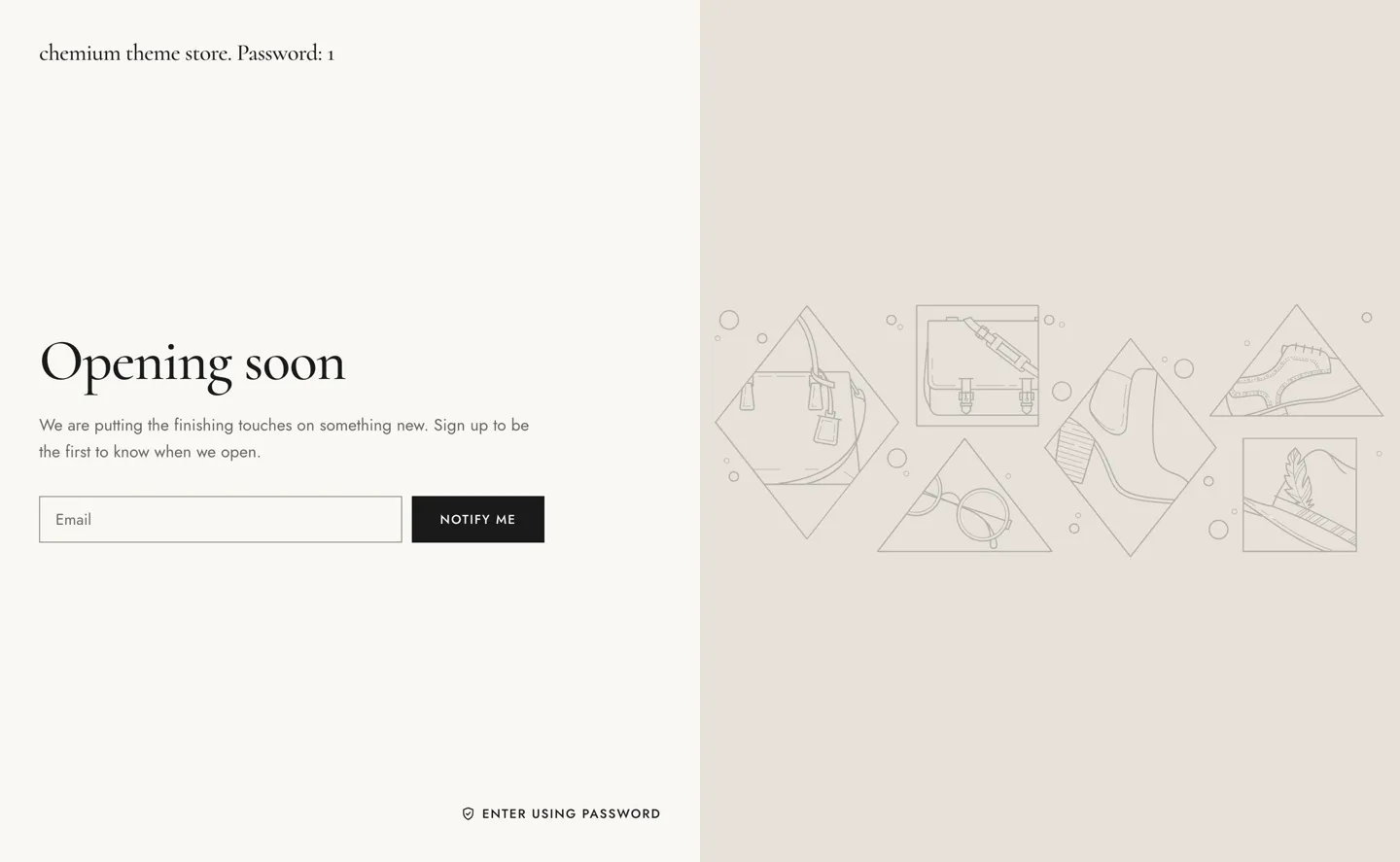
In the theme editor, this section is named Password.
Section settings
Section titled “Section settings”| Setting | Details |
|---|---|
| Layout | Options: Split (default), Center. |
| Image | |
| Overlay opacity | 0–90%, default 40%. |
| Logo | Image. |
| Logo width | 60–300px, default 140px. |
Content
Section titled “Content”| Setting | Details |
|---|---|
| Heading | Default: “Opening soon”. |
| Text | Replaced by the message set in Online Store → Preferences when there is one. |
| Show newsletter | Default: on. |
| Button label | Default: “Notify me”. |
| Show social icons | Add links in Theme settings → Social media. Default: on. |
Colors
Section titled “Colors”| Setting | Details |
|---|---|
| Color scheme |