A contact form with optional contact details beside it.
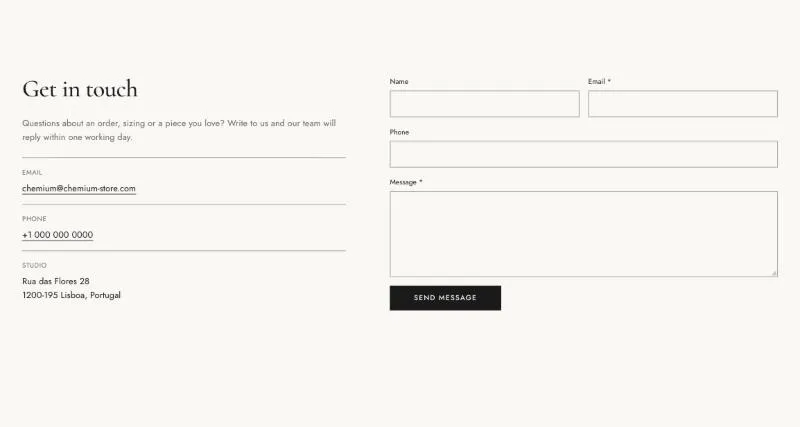
To add it, select Add section in the theme editor and choose Contact form.
| Setting |
Details |
| Layout |
Options: Split (default), Stacked. |
| Heading |
Default: “Get in touch”. |
| Text |
|
| Show phone field |
Default: on. |
| Button label |
Default: “Send message”. |
| Setting |
Details |
| Media |
Options: None (default), Image, Map. |
| Image |
|
| Map embed code |
HTML. Paste the iframe code from Google Maps (Share → Embed a map). |
| Setting |
Details |
| Section width |
Options: Page (default), Full width. |
| Padding top |
0–200px, default 40px. |
| Padding bottom |
0–200px, default 80px. |
| Padding top mobile |
0–120px, default 24px. |
| Padding bottom mobile |
0–120px, default 48px. |
| Setting |
Details |
| Color scheme |
|
| Background |
Options: None (default), Image, Video. |
| Image |
Also used as the video poster and fallback. Tablet spacing is the average of desktop and mobile. |
| Video |
|
| Overlay opacity |
Tints the image or video with the color scheme background, so the text stays readable. 0–90%, default 0%. |
