The page that lists all of your collections.
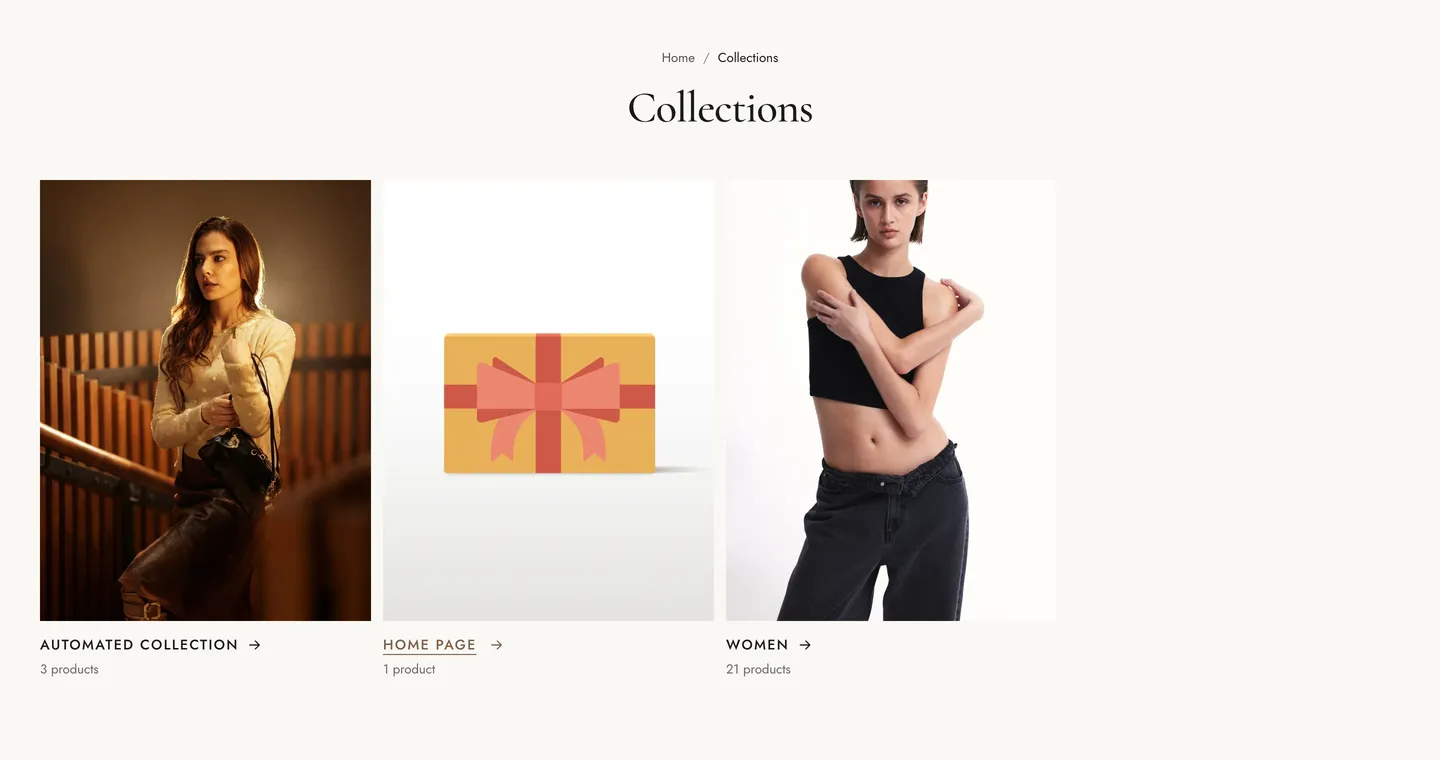
| Setting |
Details |
| Collections |
Options: All collections (default), Selected collections. |
| Collections |
List of collections. Used when Collections is set to “Selected collections”. |
| Hide empty collections |
Default: on. |
| Setting |
Details |
| Collections per page |
4–48, default 16. |
| Columns on desktop |
2–5, default 4. |
| Columns on mobile |
Options: 1, 2 (default). |
| Card style |
Options: Title below image (default), Title on image, Circle. |
| Image ratio |
Options: Portrait (3:4) (default), Square (1:1), Landscape (4:3). |
| Show product count |
Default: on. |
| Show description |
Default: off. |
| Pagination |
Options: Load more button (default), Infinite scroll, Page numbers. |
| Setting |
Details |
| Section width |
Options: Page (default), Full width. |
| Padding top |
0–200px, default 48px. |
| Padding bottom |
0–200px, default 80px. |
| Padding top mobile |
0–120px, default 32px. |
| Padding bottom mobile |
0–120px, default 48px. |
| Setting |
Details |
| Color scheme |
|
| Background |
Options: None (default), Image, Video. |
| Image |
Also used as the video poster and fallback. Tablet spacing is the average of desktop and mobile. |
| Video |
|
| Overlay opacity |
Tints the image or video with the color scheme background, so the text stays readable. 0–90%, default 0%. |
