
Footer
Menus, newsletter signup, social links and other content at the bottom of every page.
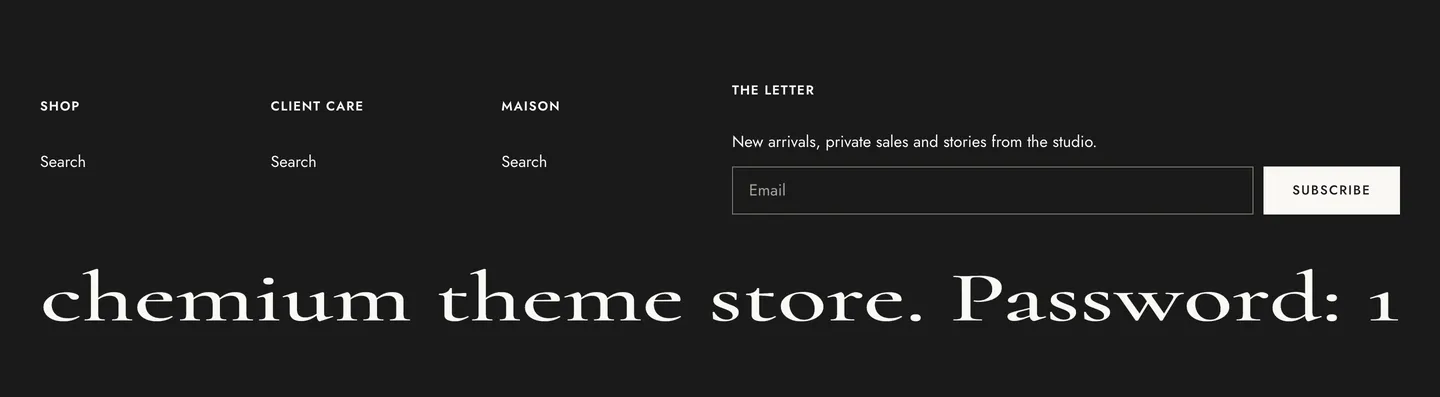
Chemium preset
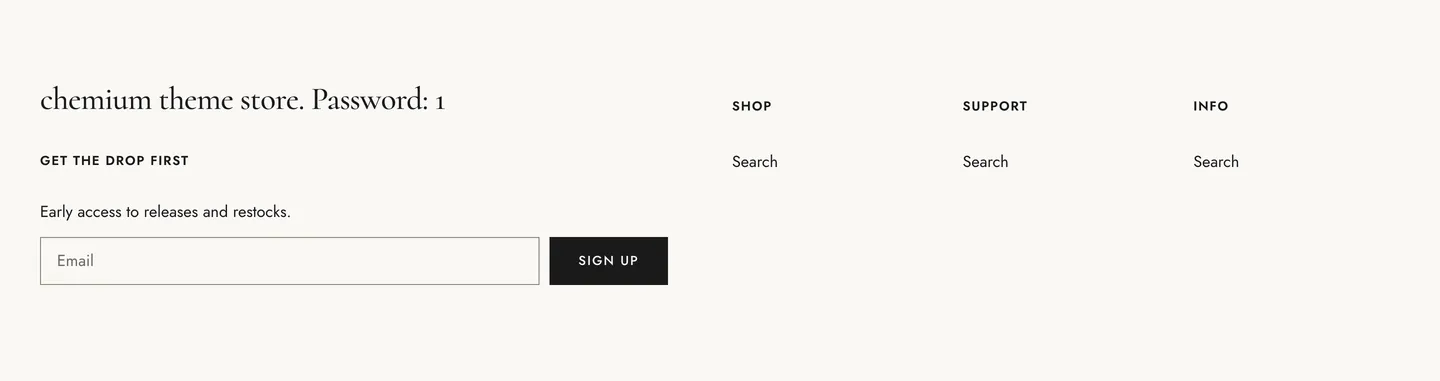
Obscura preset
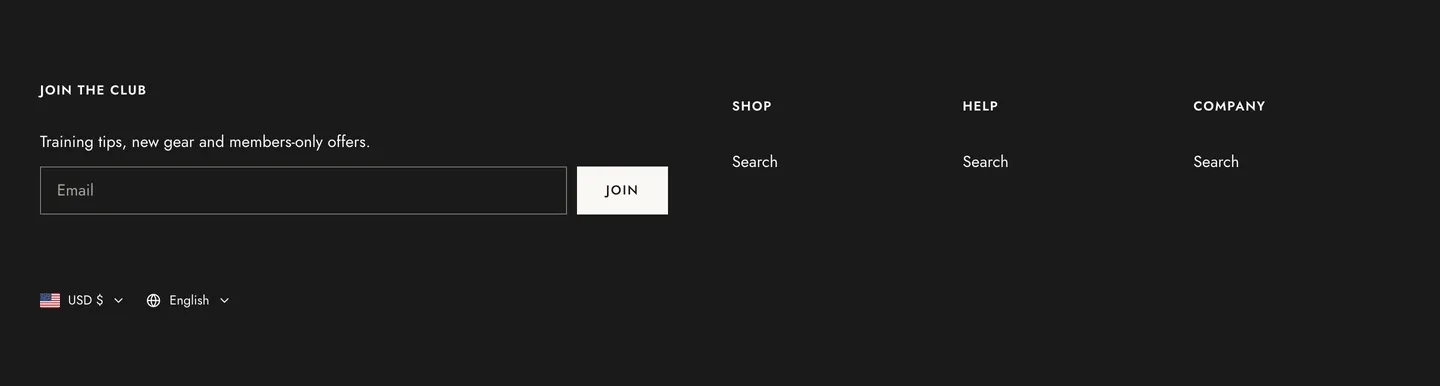
Oatmeal preset
Section settings
Section titled “Section settings”| Setting | Details |
|---|---|
| Color scheme | |
| Shadow | Default: on. |
| Reveal on scroll | The page scrolls up to uncover the footer. Off when the footer is taller than the screen. Default: off. |
Layout
Section titled “Layout”| Setting | Details |
|---|---|
| Padding top | 0–200px, default 80px. |
| Padding bottom | 0–200px, default 64px. |
| Padding top mobile | 0–120px, default 48px. |
| Padding bottom mobile | 0–120px, default 40px. |
Blocks
Section titled “Blocks”Newsletter
Section titled “Newsletter”Can contain: Newsletter.
| Setting | Details |
|---|---|
| Heading | Default: “Join our newsletter”. |
| Text | Default: “New arrivals, private sales and stories from the studio.”. |
| Button label | Default: “Subscribe”. |
| Success heading | Default: “Thanks for subscribing”. |
| Width (columns of 12) | Desktop only. Tablet shows two per row, mobile one. 2–12, default 6. |
Can contain: Logo.
| Setting | Details |
|---|---|
| Logo | Image. Shows the shop name when empty. |
| Logo size | Options: Fixed width (default), Full width. |
| Logo width | 60–400px, default 160px. |
| Width (columns of 12) | Desktop only. Tablet shows two per row, mobile one. 2–12, default 12. |
Column
Section titled “Column”Can contain: Column, Logo, Newsletter, Social media, Text, Currency and language, Menu.
| Setting | Details |
|---|---|
| Width (columns of 12) | Desktop only. Tablet shows two per row, mobile one. 2–12, default 5. |
This section also uses these shared blocks: Menu, Social media, Text, Currency and language.